
GEOlayers 3: Highlighting a and flight paths
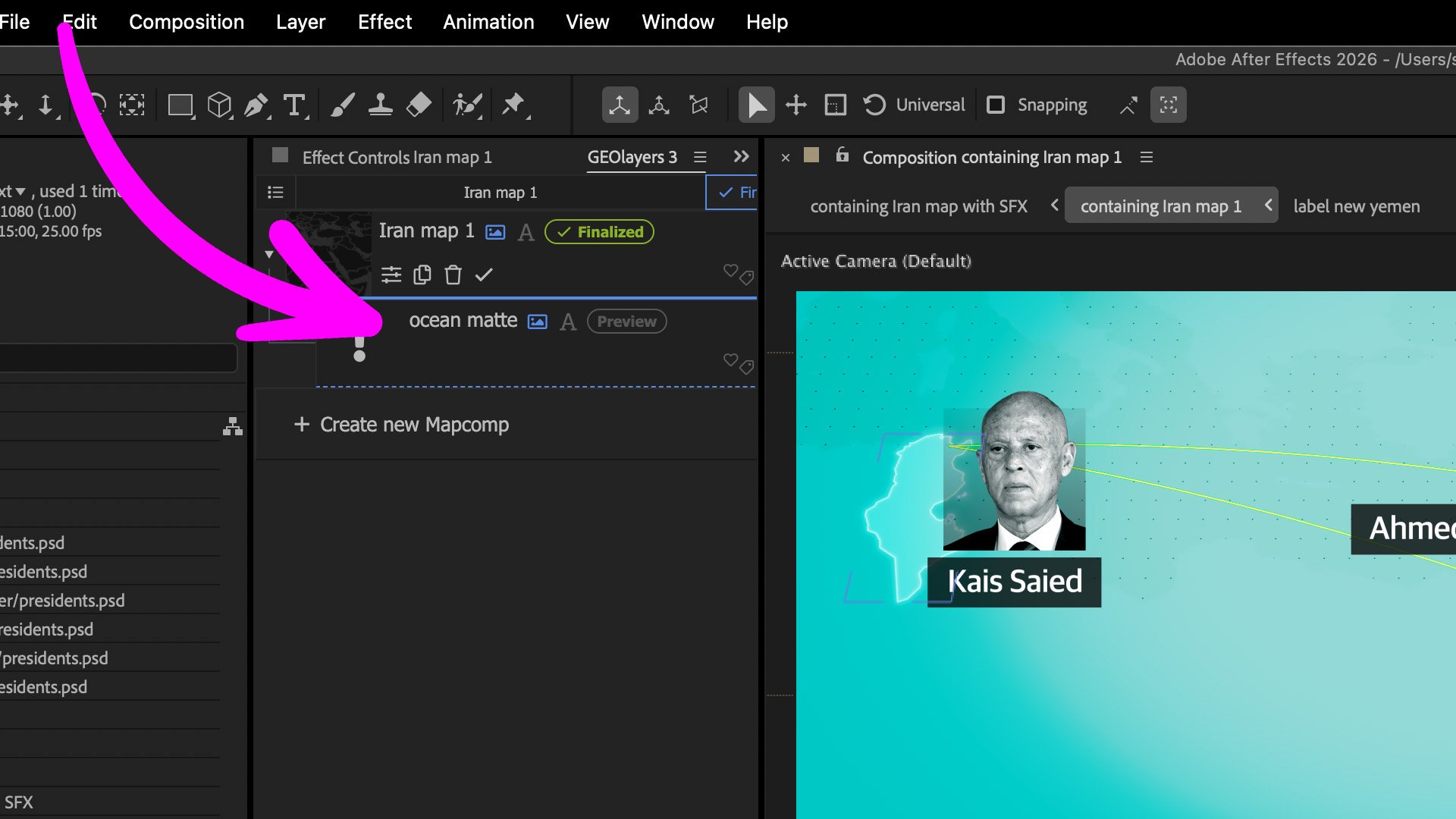
There are a number of ways to produce animated maps — not least using the free Google Earth tools — but recently I’ve been asked more and more to create stylised maps, not just animation, but maps with a consistent visual identity. The key requirement on this one was that the look had to be repeatable, template-friendly, and something that could eventually sit inside brand guidelines.
For this example I went for a dark-mode aesthetic for the geography, with a slightly “electric buzz” style highlight that flickers on as each country appears. It gives the animation a bit more energy without losing clarity, and it’s all built in a way that can be reused across different projects.
The highlight effect was created using a simple expression on the opacity layer (shown below in notes), which gives that subtle pulse as the country fades in.
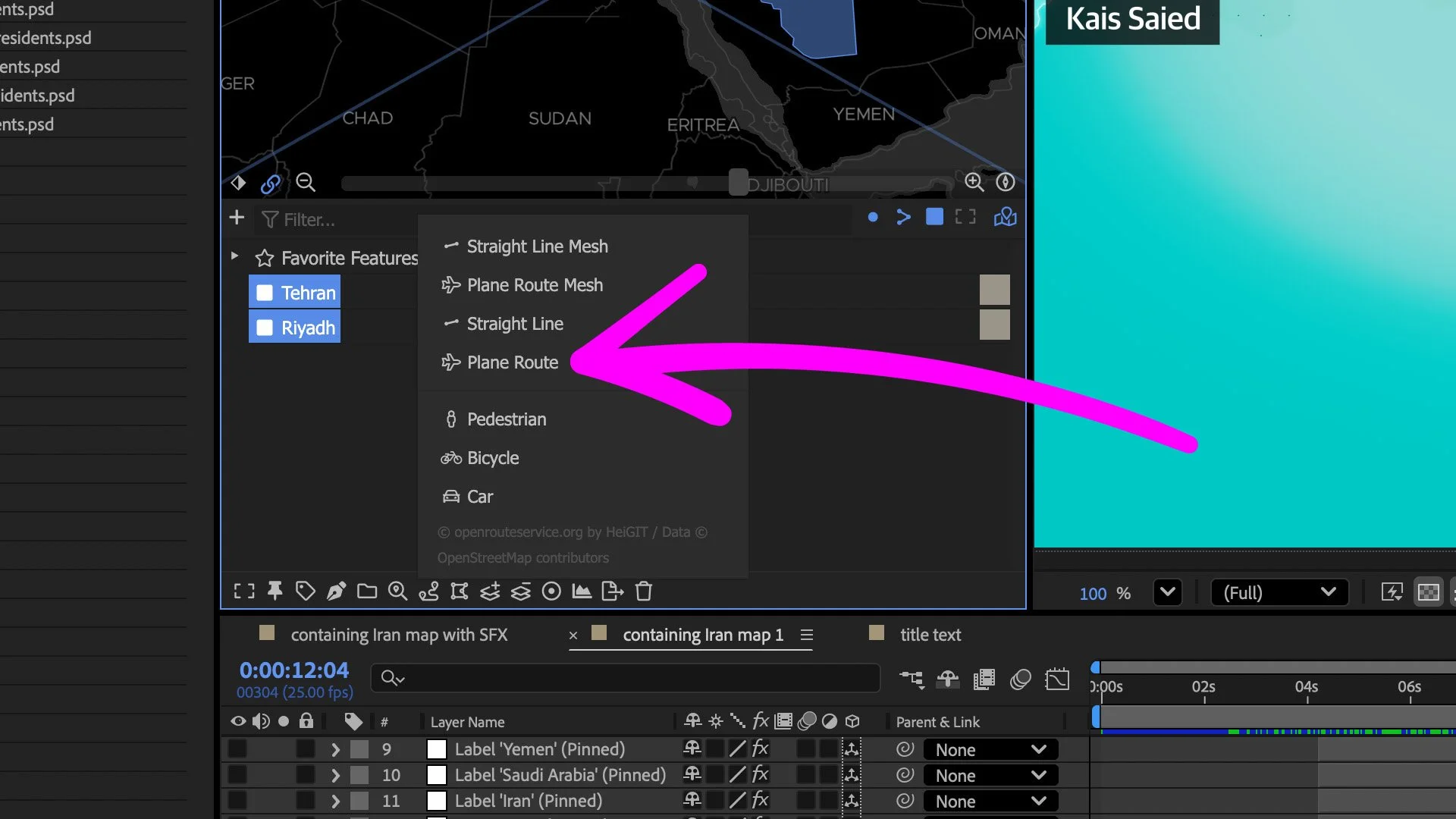
Also — I have to say — I’m really enjoying the Connect Features → Plane Route option at the moment. Such a small button, but it makes building travel / connection animations ridiculously easy.
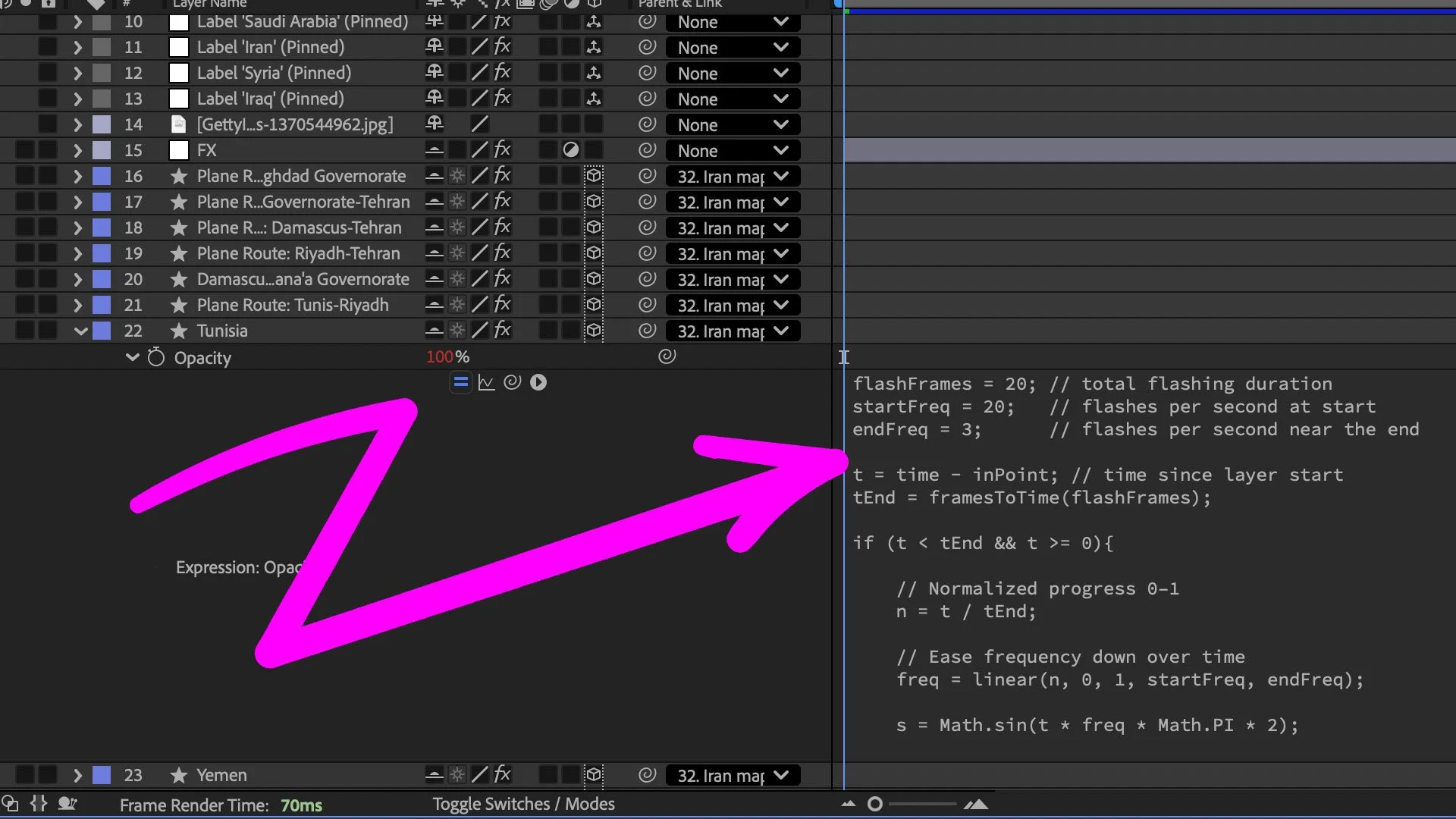
Notes: Expression to be pasted into the opacity property layer
flashFrames = 20; // total flashing duration
startFreq = 20; // flashes per second at start
endFreq = 3; // flashes per second near the end
t = time - inPoint; // time since layer start
tEnd = framesToTime(flashFrames);
if (t < tEnd && t >= 0){
// Normalized progress 0–1
n = t / tEnd;
// Ease frequency down over time
freq = linear(n, 0, 1, startFreq, endFreq);
s = Math.sin(t freq Math.PI * 2);
(s > 0) ? 100 : 0;
}else{
100;
}